Introduction
As your Shopify store expands, it gets tougher to manage it by hand. Orders require tagging; customers need follow-up emails. Inventory needs monitoring. Reviews must be chased. All of these jobs may be done at 10 orders per day. At 100, they waste your team’s time. Once you get above 500, they become the thing that prevents you from doing the work that actually builds the business.
Automation apps fix this. Good ones do repetitious stuff in the background reliably, consistently. Not needing to remember to do it. The bad ones add complexity, slow down your store, or charge you for features you don’t ever use.
This list collects the really worthy programs to install, categorised by what they automate. All the apps mentioned here have their ratings and pricing verified by the Shopify App Store. With free and paid choices included for each category.
One Rule Before You Install Anything
Each app you add brings JavaScript to your shopfront. That costs your shop. Before you install any software in this guide, check your current Google PageSpeed score at pagespeed.web.dev. Then check again after installation. If an app lowers your mobile score significantly, you’ll have to consider what it saves you in time vs. what it costs you in performance.
This restriction especially applies to front-facing apps that evaluate widgets, pop-ups, loyalty badges. Backend automation solutions like Shopify Flow and Mechanic are 100% server-side, so they won’t slow down your shopfront at all. This matters if you are developing your stack.
Workflow Automation
These programs are the brains behind your store, identifying orders, routing fulfilment, generating alerts and informing customers. Consider them the engine room.
Shopify Flow
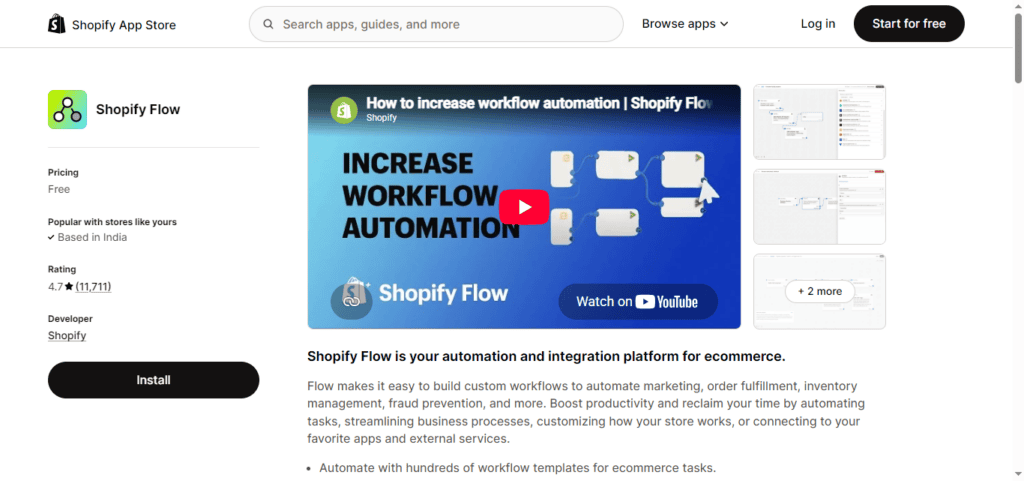
Rating: 4.7★ (6,644 reviews on Shopify App Store)
Price: Free
Best for: Most Shopify stores as a starting point
Shopify Flow is the automation platform built right into Shopify. You can construct workflows based on if-then logic, for example if an order is placed above a specific value, identify it as high-priority; if stock falls below a threshold, send an alert; if a customer makes three transactions, add them to a VIP section. You don’t have to develop from the start, there are hundreds of pre-built templates.
It’s free and made by Shopify, so it connects more smoothly with your store data than any third-party software can. Most businesses don’t need anything more than Flow. If you haven’t set it up already, start here.
The downside: Flow plays nice with Shopify. If you want workflows that connect to tools outside of Shopify your CRM, your spreadsheet, your helpdesk you will need a connector such as Zapier or MESA.
Mechanic
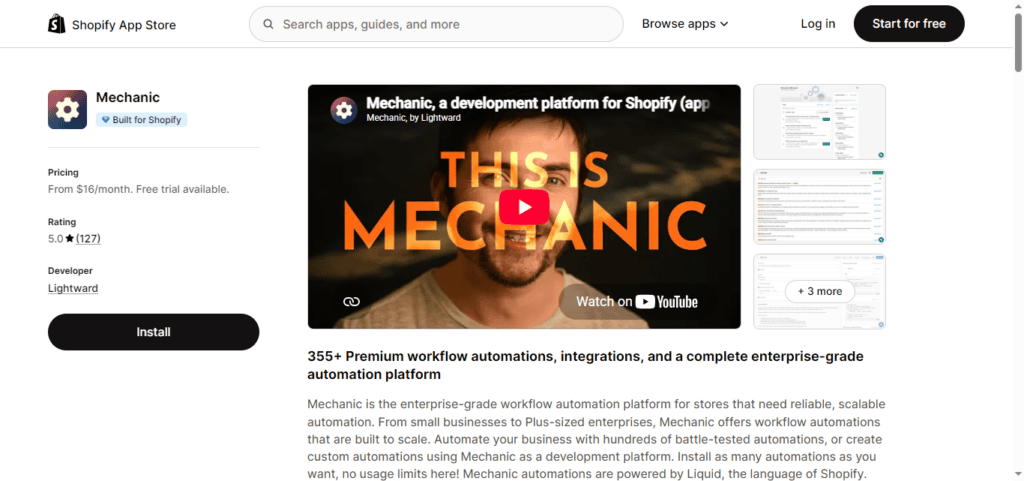
Rating: 4.8★ (141 reviews on Shopify App Store)
Price: From $16/month (“pay as you feel” pricing the team means this)
Best for: Developers and technical merchants who need custom automation beyond Flow
Mechanic is the most powerful Shopify automation tool on the market. It provides you with the whole API of Shopify using tasks written in Liquid, the same templating language that is used in Shopify themes. If Flow doesn’t do what you need, Mechanic certainly will.
Typical uses include creating custom PDF invoices at order creation, syncing order data to an ERP over API, sending conditional SMS messages, and automating fulfilment workflows based on product-level logic not covered by any template. The community task library offers hundreds of pre-built solutions that you may install and edit.
The cost is technological complexity . If you’re not a developer you’ll have to rely on the community or pay someone to set up more complicated workflows. The Slack community is often named one of the best in the Shopify ecosystem and the support team is rated highly. It has a 5-star rating for 99% of its Shopify App Store reviews.
Arigato Workflow Automation
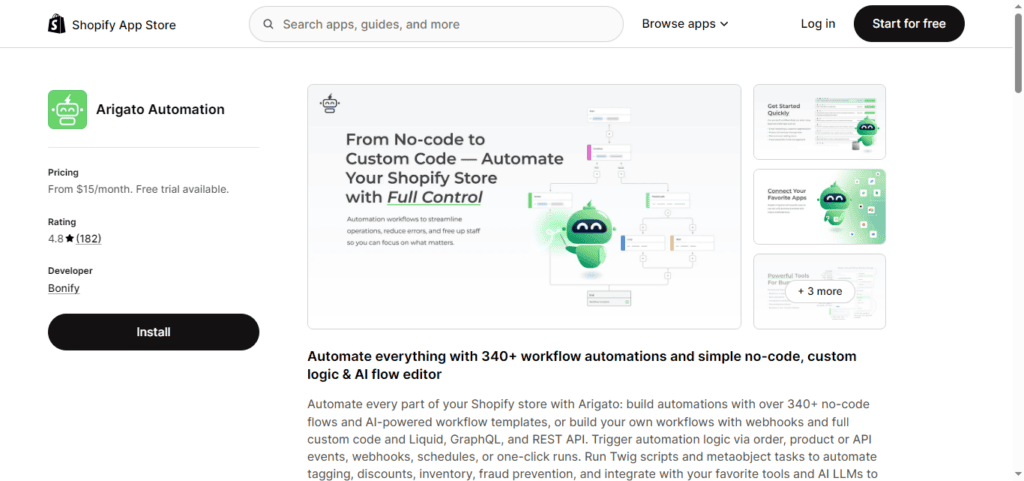
Rating: 4.8★ (206 reviews)
Price: From $15/month (14-day free trial)
Best for: Merchants who want Mechanic’s power but with no-code options first
Arigato sits between Shopify Flow and Mechanic. It ships with 340+ pre-built workflow templates covering order tagging, inventory updates, fraud alerts, and customer notifications. But unlike Flow, it also lets you write custom code Liquid, GraphQL, REST API calls when templates run out of road.
An AI-powered workflow builder was added recently: describe what you want to automate in plain language and Arigato generates the workflow. Early feedback from reviewers suggests it works well for straightforward tasks. Complex multi-step automations still benefit from manual configuration.
If you find Mechanic intimidating but Shopify Flow too limited, Arigato is the middle path worth trying.
MESA Workflow Automation
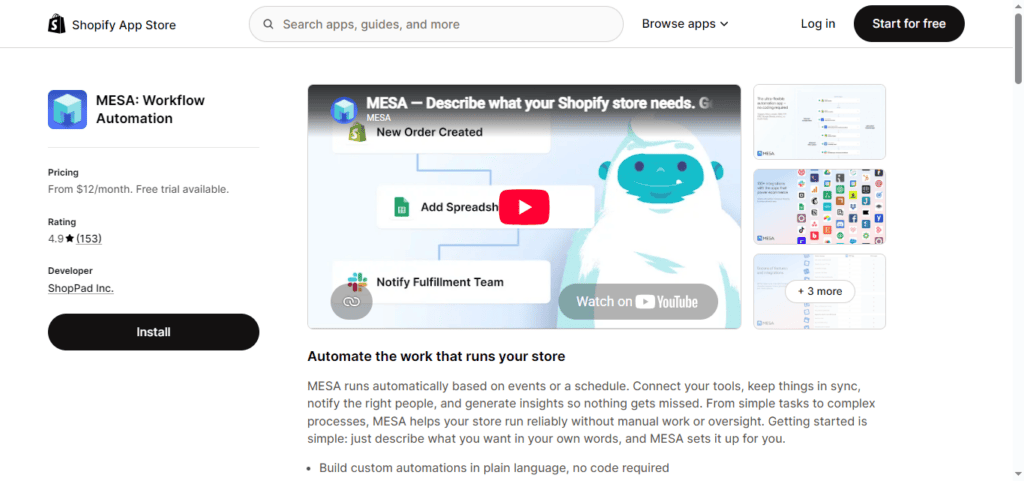
Rating: 4.7★ (157 reviews)
Price: Free tier available; paid from $12/month
Best for: Connecting Shopify to external apps without code
Arigato is in between Shopify Flow & Mechanic. Includes 340+ pre-made workflow templates for order tagging, inventory updates, fraud warnings, customer communications, and more. But unlike Flow, you can also write custom code Liquid, GraphQL, REST API calls when templates run out of road.
New AI-powered workflow builder: Tell it in clear English what you want to automate, and Arigato builds the workflow. Early reviewer response indicates it performs well on simple tasks. Complex, multi-step automations still require some manual setup.
If you find Shopify Flow too limiting but Mechanic looks a bit scary, Arigato is the medium ground worth attempting.
Zapier

Rating: 4.3★ (72 Shopify-specific reviews)
Price: Free tier (100 tasks/month); paid from $19.99/month
Best for: Connecting Shopify to apps MESA does not support
Zapier links Shopify with 6,000+ external apps. That’s so much more than any native Shopify product. If you’re using a niche CRM, a project management tool, or an industry-specific platform, Zapier is probably the only option to link it to Shopify without bespoke programming.
Low-volume stores will find the free tier (100 tasks per month) a good fit. The more volume and the more multi-step automations, the greater the expenses. Zapier isn’t Shopify specific therefore eCommerce specific processes can take a little longer setup than they would in a Shopify native product. This is a last resort when MESA does not support the app you wish to connect to.
Email and SMS Marketing Automation
Email and SMS are the highest-return channels for Shopify stores. The apps below automate the sequences that generate repeat purchases, welcome flows, abandoned cart reminders, post-purchase follow-ups without manual sending.
Klaviyo
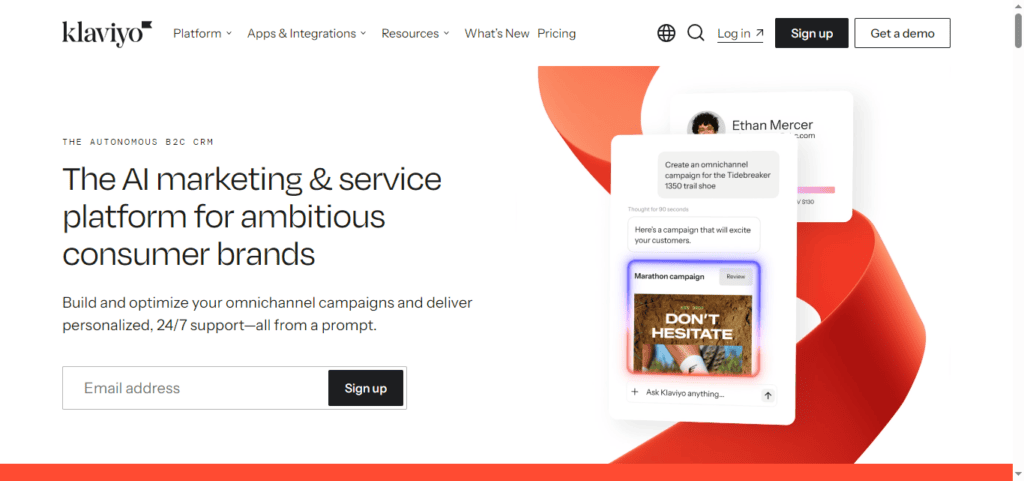
Rating: 4.6★ (~3,000 reviews on Shopify App Store)
Price: Free up to 250 contacts; paid plans are usage-based (scales with list size)
Best for: Growing and mid-sized Shopify stores with an active email and SMS strategy
Klaviyo is the #1 email and sms marketing platform for Shopify. It is tightly integrated with Shopify since it syncs browsing habits, purchase history and real-time events, so you can create flows and segments based on real consumer behaviour and not simply what they bought.
Prebuilt flows include the basic welcome series for new subscribers, abandoned cart reminders, post-purchase sequences, and win-back efforts for lapsed clients. Klaviyo’s segmentation goes beyond flows, so you can segment your consumers by buy frequency, average order value, last purchase date and product categories. This makes tailored advertising far more effective than sending the same email to everyone.
New stores can get started with 250 email contacts and 150 SMS messages on the free plan. Costs go up with the number of subscribers as your list expands. Klaviyo is frequently considered pricey for greater list sizes. Fair enough. The ROI is usually there for stores that have the volume to justify it. For relatively tiny stores, cheaper and simpler instruments accomplish the job.
Omnisend
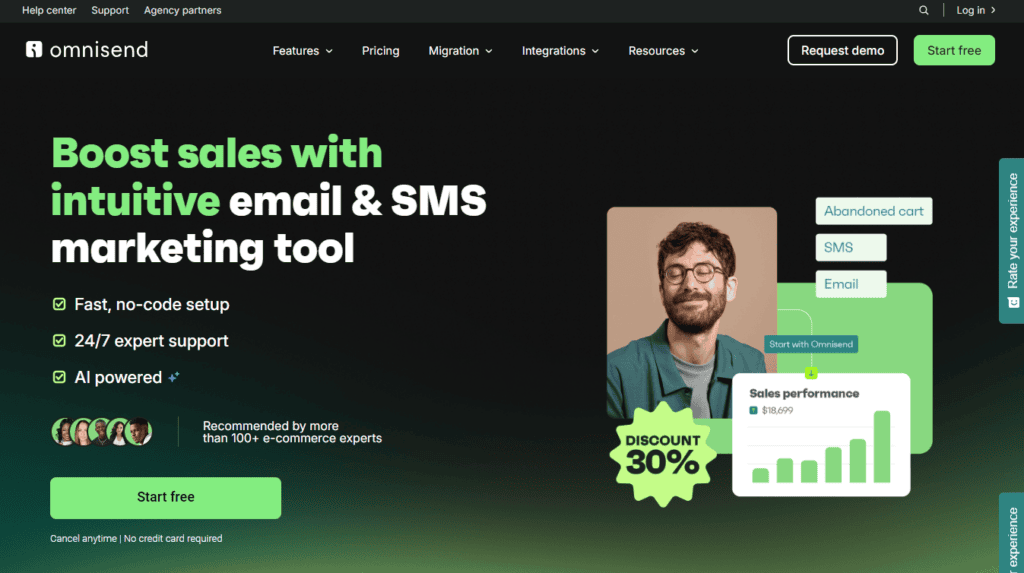
Rating: 4.8★ (6,000+ reviews on Shopify App Store)
Price: Free up to 250 contacts; paid from $16/month
Best for: Stores wanting a simpler, more affordable alternative to Klaviyo
Omnisend is widely cited as the more accessible alternative to Klaviyo with a comparable feature set around email automation, SMS, push notifications, and multi-channel sequences, but a simpler interface and lower starting expenses.
It contains prebuilt automation templates including abandoned cart, welcome series, post-purchase and re-engagement campaigns. The drag-and-drop editor wins rave reviews as being easier to use than Klaviyo’s, which is a big deal for retailers who don’t have specialised email marketing personnel. Omnisend is a more generous free package than others, with 500 emails per month, access to automation templates, and segmentation included.
If the learning curve or price of Klaviyo is too steep for your business, Omnisend is the most mentioned alternative that won’t force you to compromise on vital functionality.
Review Collection and Social Proof
Review apps streamline the process of asking for feedback after purchase, showing it on your store and submitting it to Google so you get star ratings in search results. Getting reviews regularly without having to do anything manually is one of the most obvious gains automation brings to a Shopify store.
Judge.me Product Reviews
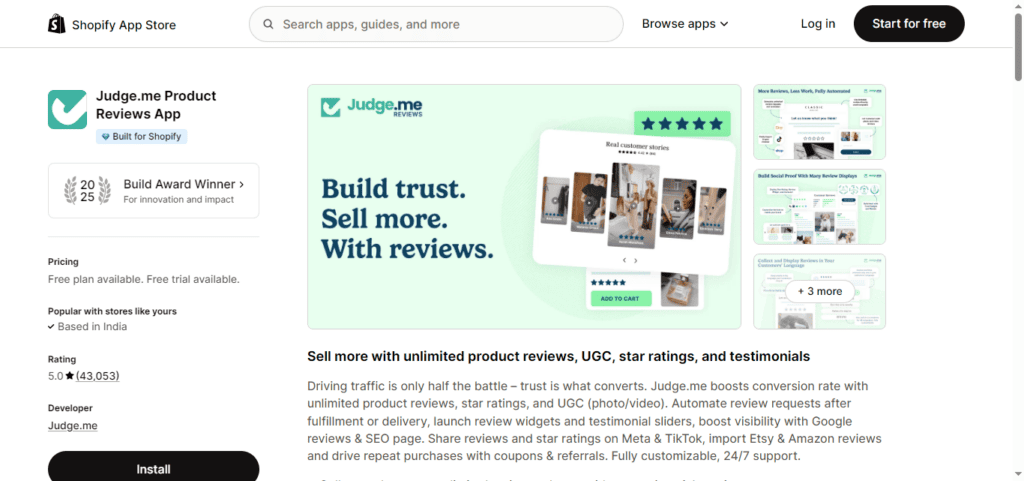
Rating: 5.0★ (37,000+ reviews the most reviewed app in the entire Shopify App Store)
Price: Free (unlimited reviews, with Judge.me branding)
$15/month Awesome plan (removes branding, adds AI summaries, product grouping, Q&A)
Best for: Most Shopify stores the free plan is genuinely functional, not a crippled trial
Judge.me is the most reviewed app in the Shopify App Store and getting a 5.0 rating at volume is a rare thing. The free plan includes unlimited review requests, photo and video reviews, Google rich snippets for star ratings in search results, trust badges and carousel widgets. The majority of review apps keep these functions behind $19-$49/month subscription memberships.
The Awesome plan is $15/month and includes AI-generated review summaries (so consumers get a quick overview instead of scrolling through hundreds of individual reviews), product grouping for merchants using Shopify’s Combined Listings, Q&A capability, and direct Mailchimp sync.
In early 2026, Judge.me became exclusive to Shopify, dropping support for WooCommerce and BigCommerce. It won the 2025 Shopify Build Award. For most Shopify stores, the free plan is the appropriate place to start. The Awesome plan is worth the $15 when you are gathering a meaningful volume of reviews.
Loox Product Reviews & Photos
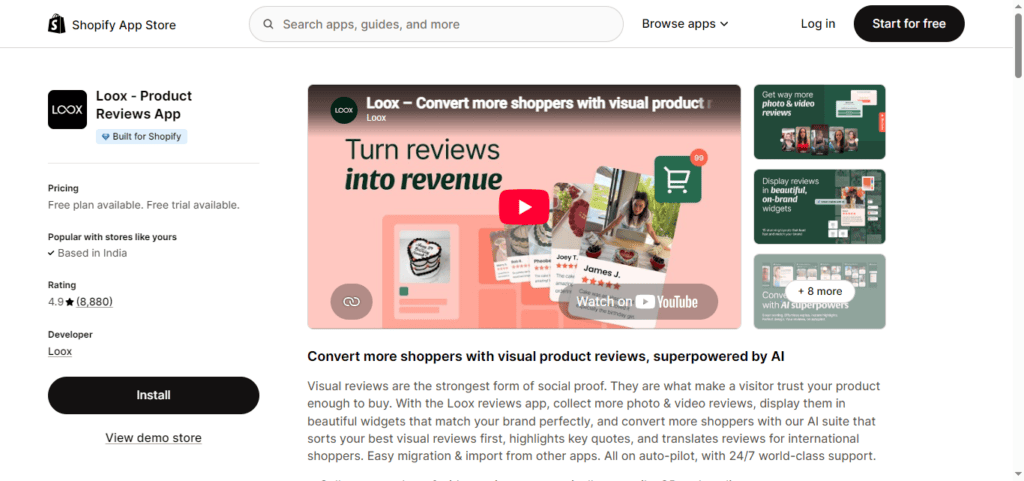
Rating: 4.9★ (22,000+ reviews)
Price: From $9.99/month; no meaningful free plan
Best for: Brands where visual social proof photos and videos from real customers is central to the product
Loox is based around photo and video reviews. Judge.me has the entire set of reviews, text being the default, but Loox starts with visuals, automatically asking buyers for photographs and short clips after purchase and showing them in shoppable galleries on your product pages.
Loox’s photo-first approach drives more interaction than text reviews alone for fashion, cosmetics, homeware and any store where seeing the goods in real life aids conversion. Compared to optional prompts, giving a small discount in exchange for submitting a photo greatly increases the photo review rate.
Loox has no relevant free plan, the lowest tier starts at $9.99/month. If visual social evidence really does influence buying decisions, it’s a cost well worth the investment. Judge.me’s free plan is a better starting point for stores that mostly need text reviews with Google star ratings.
Order and Inventory Management Automation
Order Automator
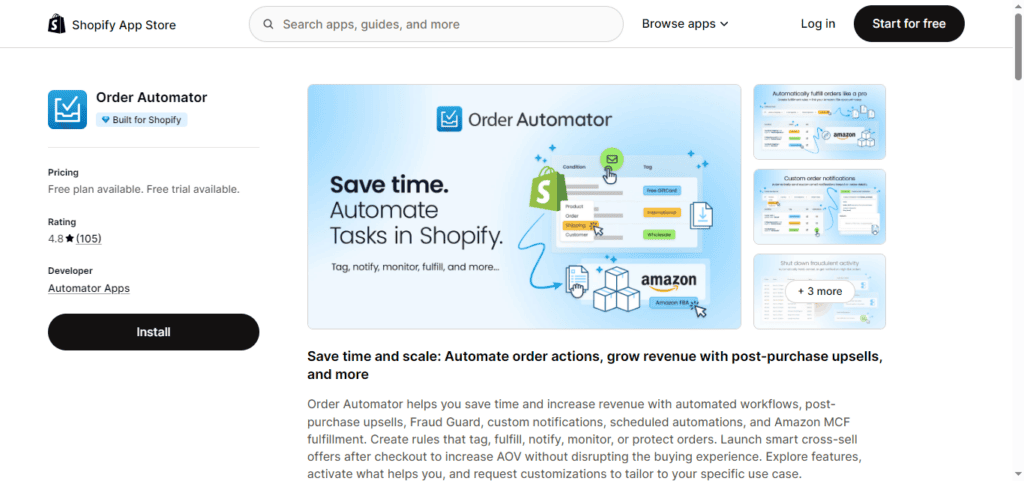
Rating: 4.9★ (250+ reviews)
Price: Free plan available; paid from $10/month
Best for: Merchants with volume-driven order management needs tagging, fulfilment routing, Amazon MCF
Order Automator is specifically designed to automate post-order activities. It allows orders to be tagged by product, location or customer attributes, routes fulfilment automatically to specific locations or third-party providers, sends custom notifications to staff or customers when specific order conditions are met and connects to Amazon Multi-Channel Fulfilment (MCF) for merchants using Amazon’s warehouse network.
Basic order tagging and notifications are included in the free plan, which is great for shops who are just starting with order automation. Paid programs offer volume capacity and extra fulfilling routing options. Order Automator eliminates manual processing bottlenecks for stores with significant order volume that would otherwise create daily constraints in Mechanic or Shopify Flow with the greater scope.
Stocky by Shopify (Inventory Management)
Rating: Built into Shopify POS Pro
Price: Included with Shopify POS Pro subscription
Best for: Shopify merchants using Shopify POS who need inventory forecasting and purchase order management
Stocky: Shopify’s inventory management tool. It provides demand forecasting, purchase order generation, supplier management and low stock warnings. Stocky helps automate the buy order process for retailers selling both physically and online through Shopify POS, by suggesting orders based on sales velocity and current stock levels instead of manual checks.
Note: Stocky is only available for merchants using Shopify POS Pro. If you run an online-only store without POS, Shopify’s built-in inventory alerts within the admin with Shopify Flow for notifying automation fulfil most inventory management needs without an additional app.
Building Your Automation Stack Without Breaking Your Store
Some practical points before you start to install.
Begin with the minimum viable stack. One app for workflow automation. One app for email. One app for reviews. That’s the most commercially important automations without adding app bloat to your store. Add more only if there is a specific problem the additional app solves.
Review existing apps before introducing new apps. Most Shopify stores have 3 to 5 applications installed that are either underused or duplicating something Shopify does natively. Delete them before you add automated programs. Every deletion speeds up load time and makes app conflicts less likely.
Test on staging before going live. If your store offers a staging environment, test new app installations there first. When you install some apps, they’ll immediately update your theme files, which can have an impact on other apps or your layout. If you require a staging environment for your store, our Shopify Development Services team can assist you.
Getting the Most Out of Your Shopify Store
These apps will handle the jobs that should not need a person. The time saved goes back to the job that does improving your product variety, creating customer relationships and growing your revenue.
If your store needs more than off-the-shelf automation, custom workflows, ERP connectors or a Shopify Plus build intended for scaling from the bottom up the KiwiCommerce team is here to help.
Contact the KiwiCommerce team to talk about your Shopify store.


 Matt
Matt