Introduction
WordPress is one of the most widely used website platforms, but simply publishing a website on WordPress does not automatically make it search-engine friendly. You still need to optimise your pages, manage metadata, improve your site structure, create XML sitemaps, handle redirects and make it easier for search engines to understand your content.
This is where SEO WordPress plugins can make a difference. The right plugin can bring many essential SEO controls into your WordPress dashboard, allowing you to manage important optimisation tasks without editing code every time. However, not every plugin offers the same features, and installing several SEO plugins at once can create unnecessary conflicts.
In this guide, we will look at some of the best WordPress plugins for SEO, what they offer, who they are best suited for, and how to choose the right one for your website.
Quick Comparison of the Best WordPress SEO Plugins
Before looking at each plugin in detail, here is a quick comparison to help you understand which tools may suit different types of websites.
| SEO Plugin | Best For | Ease of Use | Key Features | Free Version |
| Yoast SEO | Beginners & content teams | ⭐⭐⭐⭐⭐ | SEO analysis, readability, sitemaps, schema | Yes |
| Rank Math | Businesses & advanced users | ⭐⭐⭐⭐ | Schema, keyword tracking, Search Console, redirects | Yes |
| All in One SEO | Businesses & growing websites | ⭐⭐⭐⭐ | On-page SEO, sitemaps, local SEO, schema | Yes |
| SEOPress | Agencies & developers | ⭐⭐⭐⭐ | Content analysis, redirects, structured data | Yes |
| The SEO Framework | Lightweight websites | ⭐⭐⭐⭐⭐ | Automated SEO, metadata, performance-focused setup | Yes |
| Slim SEO | Small websites | ⭐⭐⭐⭐⭐ | Automated metadata, sitemaps, basic SEO | Yes |
| Squirrly SEO | Content marketers | ⭐⭐⭐⭐ | Content optimisation, SEO guidance | Yes |
| SEOKEY | Beginners & small businesses | ⭐⭐⭐⭐ | SEO setup, audits, optimisation guidance | Yes |
| WP Meta SEO | Large content websites | ⭐⭐⭐⭐ | Bulk metadata editing, sitemap tools | Yes |
| XML Sitemap & Google News | Sitemap-focused sites | ⭐⭐⭐⭐⭐ | XML sitemaps, Google News sitemap | Yes |
What Are WordPress Plugins for SEO?
SEO plugins are WordPress extensions designed to help website owners optimise their websites for search engines.
Depending on the plugin, you may be able to manage:
- SEO titles and meta descriptions
- XML sitemaps
- Canonical URLs
- Robots directives
- Open Graph and social sharing information
- Schema markup
- Breadcrumbs
- Redirects
- On-page SEO recommendations
- Local SEO settings
- Image SEO
- Search Console integrations
The purpose is not to make your website rank automatically. Instead, an SEO plugin gives you the controls and recommendations needed to implement good SEO practices more efficiently.
This can be particularly useful for businesses managing large websites, blogs, ecommerce stores or custom post types where handling every SEO element manually would be time-consuming.
Why Do You Need an SEO Plugin for WordPress?
WordPress provides a strong foundation for building websites, but it does not give you complete control over every SEO element by default.
For example, an SEO plugin can make it easier to customise the title and description shown in search results, control how individual pages are indexed, generate XML sitemaps and implement structured data.
It can also help content teams identify common on-page issues while they are writing. Instead of switching between several tools, many SEO tasks can be handled directly from the WordPress dashboard.
For businesses with a growing website, this can save time and make SEO management more consistent across pages.
10 Top WordPress Plugins for SEO
There are plenty of SEO plugins available for WordPress, ranging from simple tools for bloggers to more comprehensive platforms for businesses and ecommerce websites.
Here are some of the top WordPress plugins for SEO worth considering.
1. Yoast SEO
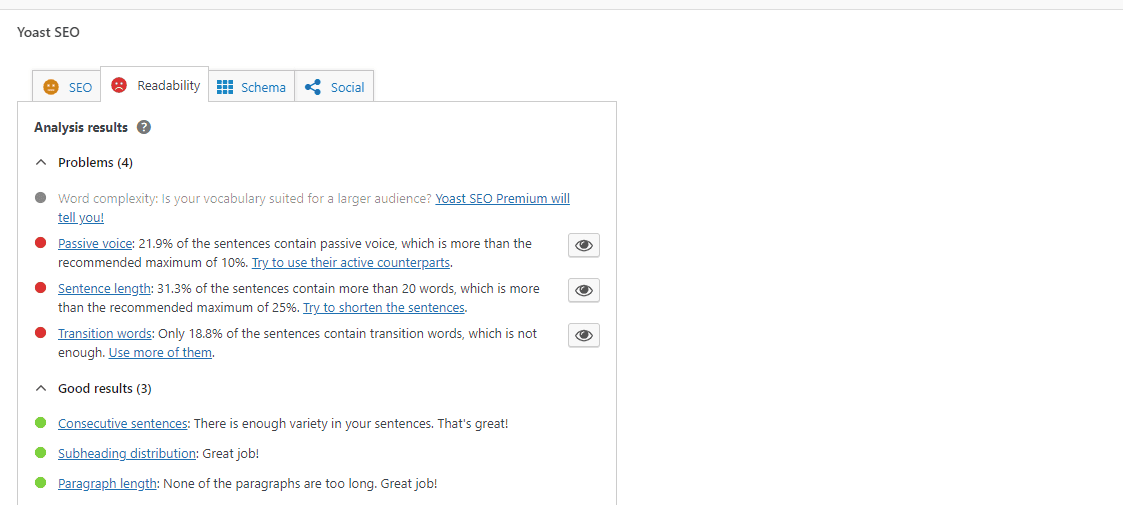
Yoast SEO is one of the most established SEO plugins in the WordPress ecosystem. Its focus is largely on making SEO easier for content creators and website owners.
The plugin includes SEO and readability analysis, XML sitemaps, schema features, breadcrumbs, social previews and tools for managing important on-page SEO elements.
One of its biggest strengths is its straightforward content analysis. As you write, it can identify areas that may need improvement, such as keyword placement, readability and content structure.
Best for: Bloggers, businesses, content teams and beginners who want an easy-to-understand SEO workflow.
2. Rank Math SEO

Rank Math is a popular choice for WordPress users who want a broad range of SEO functionality in one plugin.
Its features include SEO analysis, schema support, XML sitemaps, Google Search Console integration, keyword optimisation, rank tracking and bulk optimisation tools.
Rank Math can be particularly attractive to users who want more technical controls and features from within the WordPress dashboard.
Best for: Businesses, agencies and experienced WordPress users who want a comprehensive SEO toolkit.
3. All in One SEO
All in One SEO, commonly known as AIOSEO, is another established WordPress SEO solution.
It provides tools for managing important SEO settings across a WordPress site, along with additional functionality for areas such as local SEO, video SEO, schema and custom SEO controls.
The plugin aims to make technical optimisation more accessible while still offering advanced options for larger websites.
Best for: Businesses and website owners looking for a broad SEO toolkit with room to scale.
4. SEOPress
SEOPress is a strong option for website owners who want a wide range of SEO features without relying on several separate plugins.
It provides tools such as XML sitemaps, content analysis, analytics integrations and other core SEO functionality. Advanced features can also support areas such as local SEO, redirects, structured data and ecommerce SEO.
SEOPress is particularly useful for websites where flexibility and integration with existing WordPress tools are important.
Best for: Developers, agencies and businesses looking for a flexible WordPress SEO setup.
5. The SEO Framework
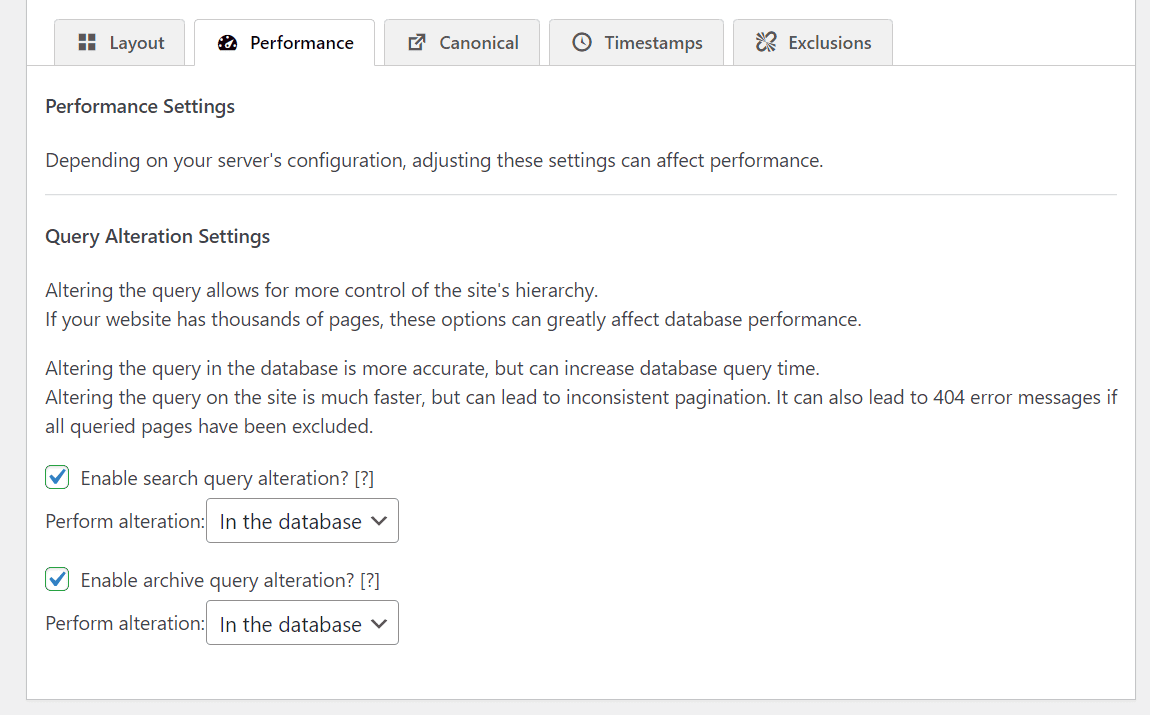
The SEO Framework takes a more lightweight approach to WordPress SEO.
Rather than overwhelming users with recommendations and dashboards, it focuses on automating many common optimisation tasks while keeping the interface relatively simple.
This can appeal to users who already understand SEO fundamentals and want a plugin that requires less day-to-day management.
Best for: Developers, experienced site owners and businesses looking for a lightweight SEO setup.
6. Slim SEO
Slim SEO is designed around simplicity and automation.
It aims to handle many basic SEO tasks automatically, reducing the amount of configuration required after installation. This can make it appealing to smaller websites where the priority is getting the fundamentals right without spending excessive time managing settings.
Best for: Small websites, bloggers and users who prefer a minimal configuration approach.
7. Squirrly SEO

Squirrly SEO places a stronger emphasis on content optimisation and SEO guidance.
It offers tools designed to help users identify optimisation opportunities while producing content. This approach can be useful for businesses with content teams that want additional guidance throughout the writing and optimisation process.
Best for: Content marketers and businesses heavily focused on organic search content.
8. SEOKEY
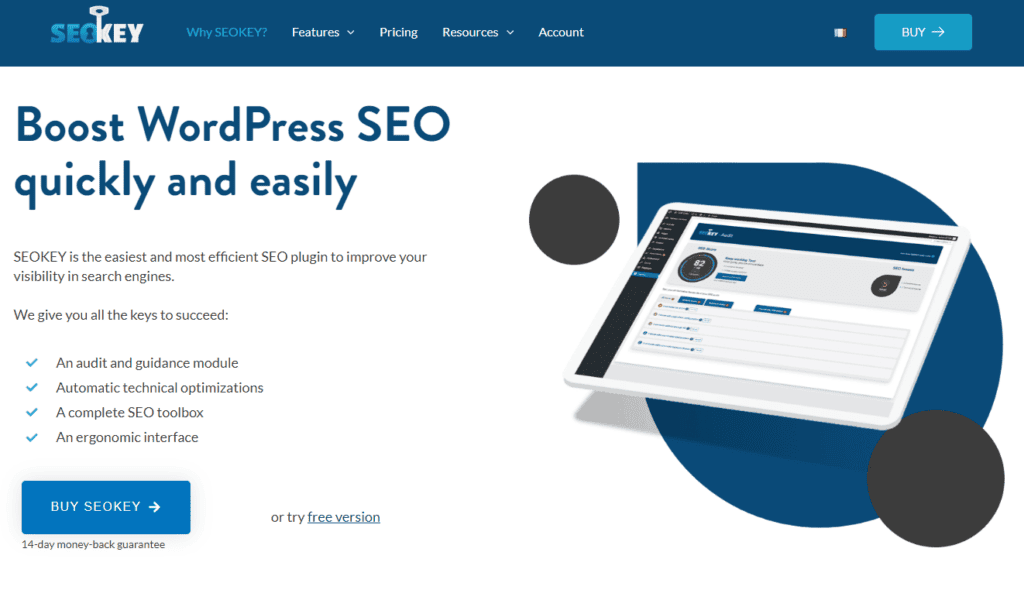
SEOKEY is designed to make WordPress SEO more accessible to website owners who may not have advanced technical knowledge.
The plugin focuses on simplifying SEO management and providing guidance for improving a site’s optimisation.
Best for: Small businesses and WordPress users who want a guided SEO experience.
9. WP Meta SEO
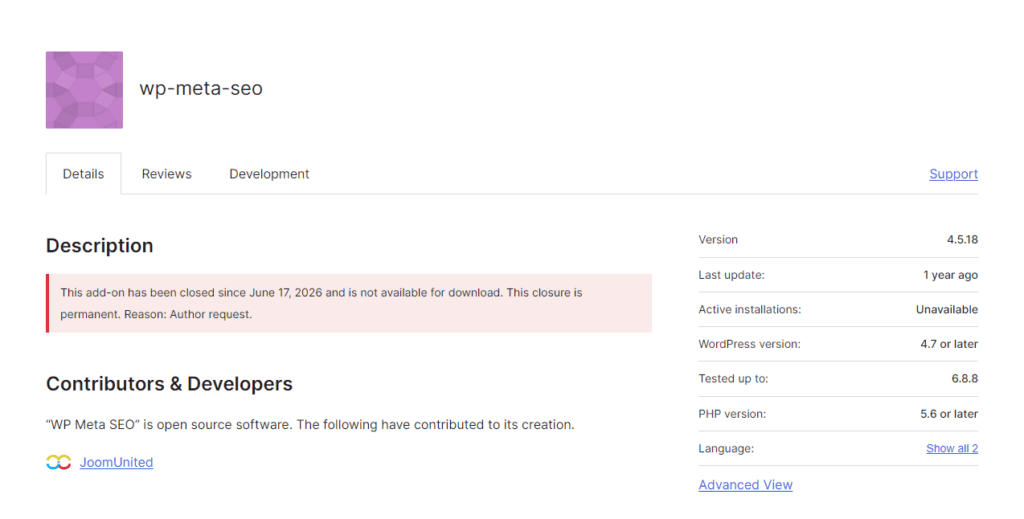
WP Meta SEO focuses on managing metadata and improving the efficiency of SEO workflows.
For larger websites, tools that simplify bulk changes can save considerable time compared with editing individual pages manually.
Best for: Websites with a large amount of existing content that need more efficient metadata management.
10. XML Sitemap & Google News
For websites where sitemap management is the primary requirement, dedicated sitemap plugins can provide a simpler alternative to installing a large all-in-one SEO suite.
However, most comprehensive SEO plugins already include sitemap functionality, so a separate sitemap plugin is not usually necessary unless there is a specific requirement.
Best for: Websites with specialised sitemap or publishing requirements.
How to Choose the Best WordPress Plugin for SEO
There is no single plugin that is the best option for every website.
The right choice depends on your website size, technical requirements, content workflow and the level of control your SEO team needs.
Consider Your SEO Experience
Beginners often benefit from plugins that provide clear recommendations and simple configuration.
More experienced SEO professionals may prefer advanced control over schema, redirects, indexing rules, canonicalisation and technical settings.
Think about who will actually manage the plugin before choosing one. A feature-rich plugin is not necessarily the best choice if its controls are more complicated than your team needs.
Look at the Features You Actually Need
Do not choose a plugin simply because it has the longest feature list.
For a small business website, titles, descriptions, XML sitemaps, schema, canonical URLs and indexing controls may be enough.
A larger organisation may require features such as local SEO, ecommerce optimisation, redirects, bulk editing, advanced schema and reporting.
The best plugin is the one that covers your actual requirements without adding unnecessary complexity.
Check Plugin Compatibility
Your SEO plugin needs to work properly with your WordPress theme, page builder, ecommerce platform and other plugins.
Compatibility becomes especially important when your website uses custom post types or a heavily customised WordPress setup.
This is one reason why choosing the right WordPress development partner matters when building or maintaining a complex website. A technically sound setup makes it easier to keep SEO functionality consistent as the site grows.
For businesses looking for specialist support, Kiwi Commerce provides WordPress Development services also covering custom development and website solutions.
Avoid Installing Multiple SEO Plugins
One of the most common mistakes is installing two or more full SEO plugins because each offers a different feature.
For example, using two plugins to generate metadata, schema or sitemaps can create conflicts and unexpected output.
In most cases, choose one primary SEO plugin and configure it properly rather than stacking multiple solutions on top of each other.
Are SEO Plugins Enough to Improve Rankings?
No. An SEO plugin is useful, but it is not a complete SEO strategy.
Your plugin can help you implement technical and on-page optimisation, but search rankings depend on many other factors, including the quality and relevance of your content, website architecture, authority, competition and user experience.
Your overall SEO strategy may include:
- Keyword research
- Search intent analysis
- High-quality content
- Internal linking
- Technical SEO
- Website performance
- Backlinks and authority
- Mobile usability
- Local SEO
- User experience
- Ongoing performance analysis
For example, changing a meta description does not automatically make a page rank higher. Likewise, achieving a perfect score inside an SEO plugin does not guarantee a first-page ranking.
What Can an SEO Plugin Actually Do?
The easiest way to understand the role of an SEO plugin is to separate the tasks it can support from the things that still require a broader strategy.
| SEO Plugin Can Help With | SEO Plugin Cannot Do For You |
| Meta titles and descriptions | Guarantee higher rankings |
| XML sitemaps | Create a complete SEO strategy |
| Schema implementation | Replace quality content |
| Canonical URLs | Build authoritative backlinks |
| Robots and indexing controls | Understand your business goals |
| On-page SEO recommendations | Guarantee organic traffic |
This distinction is important because it is easy to assume that installing a highly rated plugin will automatically improve search performance.
In reality, the plugin gives you the tools to make changes. You still need to make the right SEO decisions based on your audience, competitors, search intent and business goals.
For businesses that need support beyond WordPress settings, combining a plugin with a wider SEO strategy can provide a much stronger foundation. Kiwi Commerce offers SEO services to support broader organic growth and optimisation.
Free vs Paid SEO WordPress Plugins
Many of the best WordPress plugins for SEO have both free and paid versions.
For a basic website, the free version of a plugin may provide everything you need. Core functionality such as metadata management, sitemaps and basic on-page optimisation can be enough for many websites.
Premium versions are generally aimed at users who need additional features, automation, integrations or advanced controls.
Before paying for an upgrade, consider what your website actually needs. A premium plugin is useful when its additional functionality solves a genuine SEO requirement, rather than simply because it has more features.
SEO Plugin vs Professional SEO Services
An SEO plugin and an SEO service do completely different jobs.
A plugin gives you tools to manage parts of your website’s SEO. Professional SEO services look at the wider picture, including your technical setup, content strategy, competition, keyword targeting, internal linking, backlinks and overall organic growth.
For example, a plugin can help you set a canonical URL, but it cannot decide whether your website has the right content architecture for your target audience.
Similarly, it can flag missing metadata, but it cannot develop an entire content strategy based on search demand and business goals.
This is why the strongest approach is often to use the plugin as one part of a broader SEO process rather than treating it as the strategy itself.
How to Get More From Your WordPress SEO Plugin
Installing an SEO plugin is only the first step.
After installation, take time to configure the site’s basic settings correctly. Review your titles and descriptions, check sitemap settings, confirm indexing preferences and make sure your canonical URLs are behaving as expected.
You should also review existing content rather than only optimising new pages.
For larger websites, consider conducting regular technical audits to identify issues such as broken links, incorrect redirects, duplicate content, poor internal linking and accidentally indexed pages.
Most importantly, avoid treating the plugin’s recommendations as absolute rules. SEO scores are indicators, not ranking guarantees. Always prioritise useful content and a good experience for your visitors.
Final Thoughts
Choosing from the many top WordPress plugins for SEO can feel complicated, but the decision does not need to be.
Start by identifying what your website actually needs. A small blog may only require straightforward on-page optimisation and sitemap functionality, while a large business or ecommerce website may need advanced schema, redirects, local SEO, technical controls and automation.
Whether you choose Yoast SEO, Rank Math, AIOSEO, SEOPress or another solution, remember that the plugin itself is only one part of your SEO strategy.
Use it to create a technically sound foundation, then combine it with useful content, strong website architecture, strategic internal linking and a consistent SEO process. That is what turns an SEO plugin from another WordPress installation into a useful part of your organic growth strategy.


 Tom
Tom