Introduction
Choosing between WordPress and Wix seems simple at first, but it becomes more complex when you explore the details. Both platforms can create a professional website, and you don’t need to write any code. However, the differences between WordPress and Wix are more significant than many people think. Choosing the wrong one early on can lead to more time and money spent later.
Let’s focus on what really matters.
What Are WordPress and Wix?
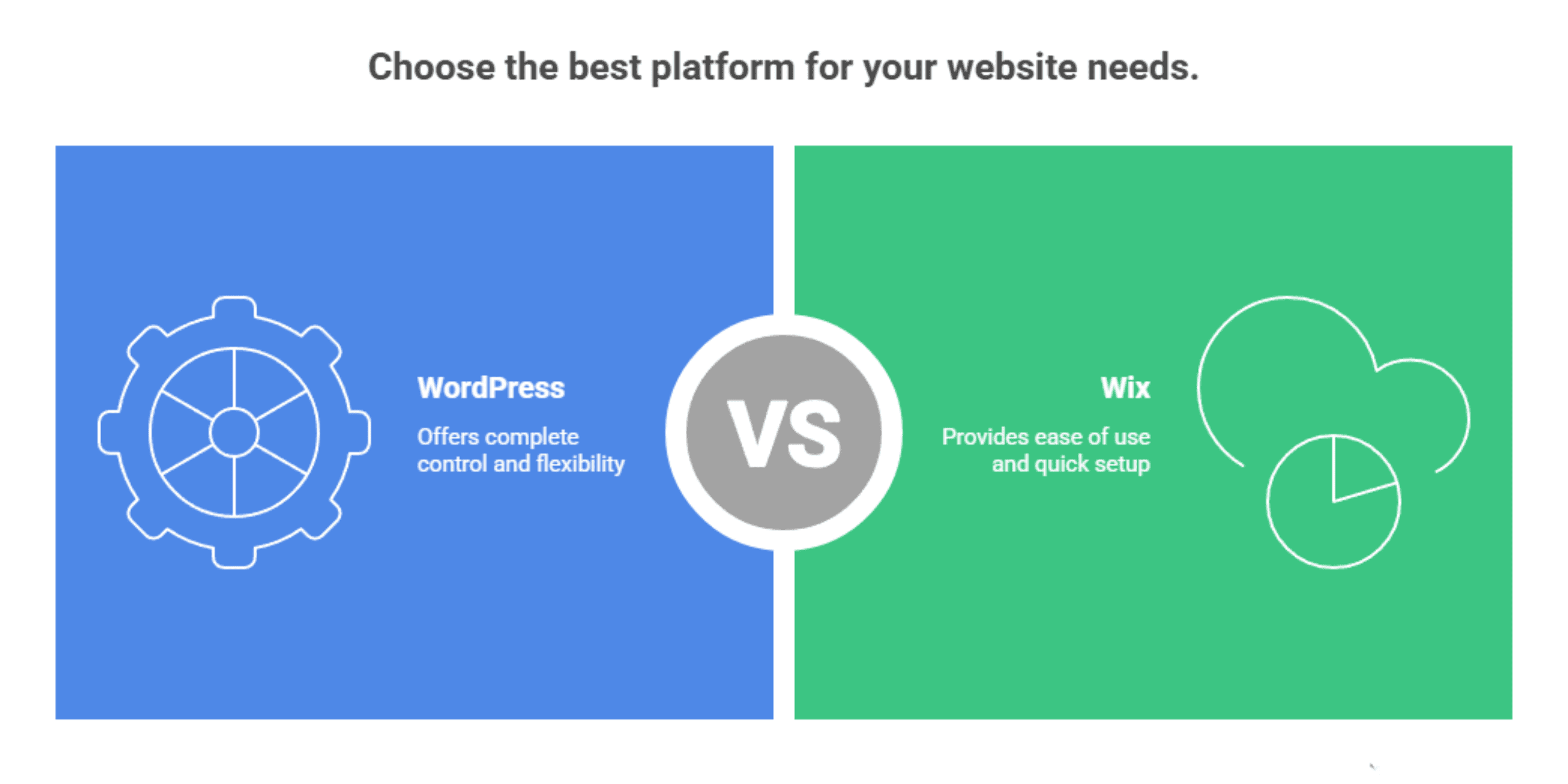
Before diving into features and comparisons, it’s important to understand what each platform is. The basic difference between WordPress and Wix influences everything else about their performance.
-
WordPress
is an open-source content management system (CMS) that you install on your own hosting. It’s very flexible, with thousands of themes and over 60,000 plugins. This makes it suitable for a variety of uses, including blogs, portfolios, membership sites, and full-scale eCommerce stores. Since you own the software and the hosting environment, WordPress gives you complete control over your website’s design, functionality, and long-term growth without any platform restrictions on what you can build.
-
Wix:
Is a hosted SaaS (Software as a Service) website builder that runs entirely in the cloud. It takes care of hosting, security, and maintenance for you. This lets you start quickly, using pre-built templates or an AI-powered site builder that can create a basic site in minutes. While Wix is definitely easier to use, especially for those without technical experience, it works within a more limited environment. This can restrict advanced customisation as your business grows and your needs become more complex.
Types of Websites You Can Build
Both platforms cover a broad range of website types, but WordPress has a clear edge for businesses with complex or long-term plans.
WordPress can support:
- eCommerce stores with WooCommerce
- Membership websites
- Online courses and learning platforms
- Blogs and content-rich sites
- Multisite networks for businesses with multiple locations
- Custom applications via plugins or bespoke development
Wix can handle:
- Small business websites
- Portfolios and personal websites
- Basic eCommerce stores
- Blogs and membership sites
While Wix can accommodate many use cases, WordPress allows for virtually unlimited customisation, making it the safer choice if you anticipate growth or specialised functionality.
Feature Comparison - Wix vs WordPress
| Feature | Wix | WordPress |
| Ease of Use | Beginner-friendly, no setup required | Steeper learning curve, more initial setup |
| Design & Templates | 900+ templates, locked after publishing | Thousands of themes, switchable anytime |
| SEO Capabilities | Basic built-in SEO tools | Advanced SEO via plugins like Yoast, Rank Math |
| Blogging | Basic blogging tools included | Industry-leading blogging platform |
| Plugins & Apps | 800+ apps in the marketplace | 60,000+ plugins available |
| Landing Pages | Visual builder, limited flexibility | Full control via page builders like Elementor |
| eCommerce | Built-in store, limited scalability | WooCommerce fully scalable and customisable |
| AI Capabilities | Built-in AI site builder and content tools | AI via third-party plugins |
| Multilingual Support | Basic multilingual via app integrations | Full multilingual via WPML, Polylang plugins |
| APIs & Integrations | Limited API access within the Wix ecosystem | Open API, unlimited third-party integrations |
| Custom Code | Limited CSS access | Full access to CSS, HTML, and PHP |
| Hosting | Fully managed, included in plan | Self-managed or via a managed hosting provider |
| Security | Handled by Wix automatically | Managed by the user or the hosting provider |
| Scalability | Suitable for small to medium sites | Scales to enterprise-level with ease |
| Support | 24/7 live chat and ticket support | Community forums, documentation, and developer support |
| Content Ownership | Wix owns the infrastructure | You own everything outright |
Ease of Use
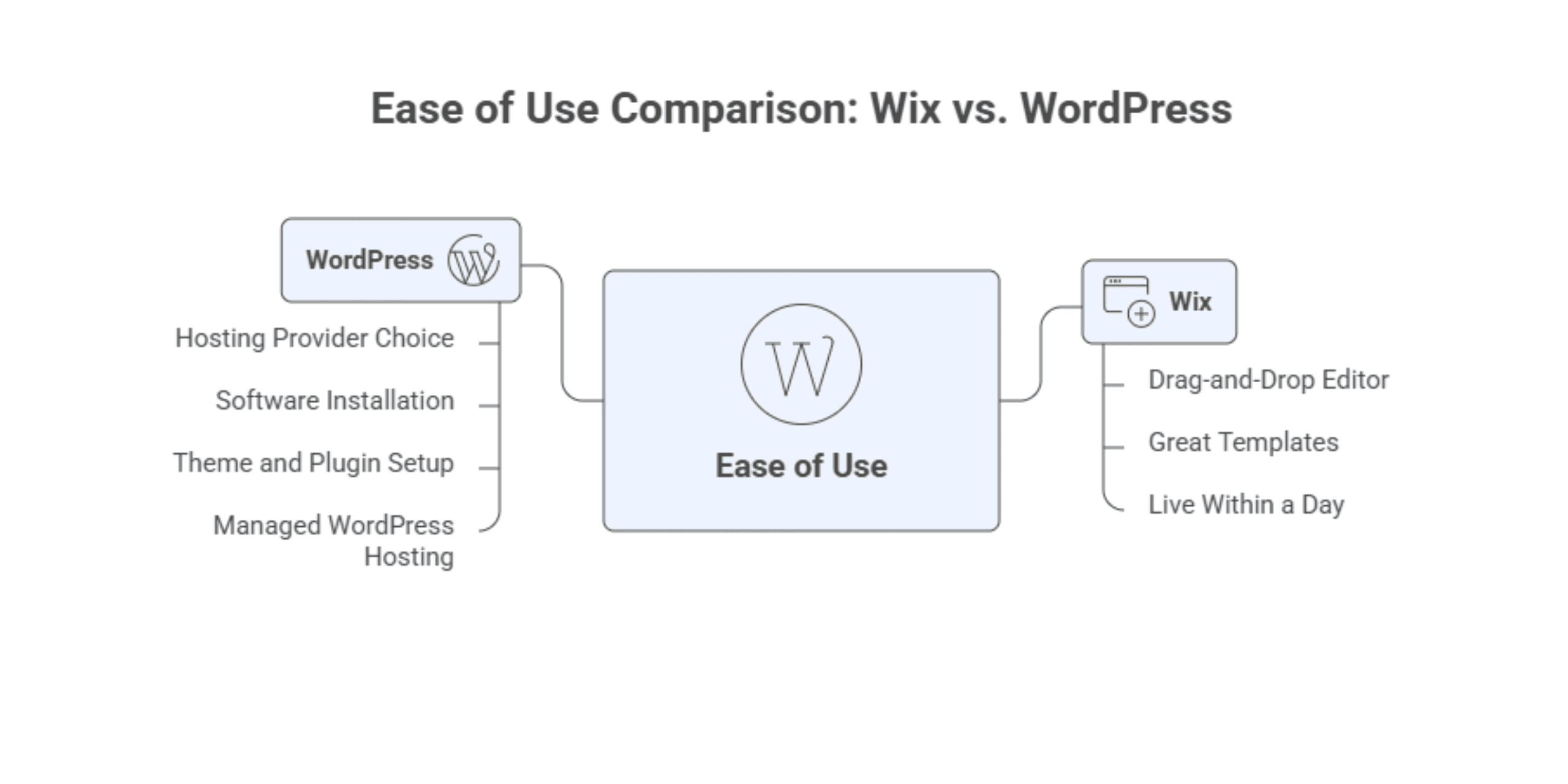
If speed is the priority, Wix takes the lead. The drag-and-drop editor is easy to use, the templates look great, and you can be live within a day, even if you have no technical skills. WordPress requires a bit more work upfront; you need to choose a hosting provider, install the software, and set up your theme and plugins. However, managed WordPress hosting has made this much easier than it used to be. Once you’re set up, daily use is doable for most people.
Wix
Sign up, pick a template, and you’re building immediately. Hosting, security, and updates are all handled for you in the background. There’s nothing technical to worry about from day one.
WordPress
Requires initial setup, including choosing hosting and installing the software, but managed hosting providers have simplified this significantly. Once configured, the dashboard is intuitive and gives you a strong balance of control and usability.
Design and Customisation
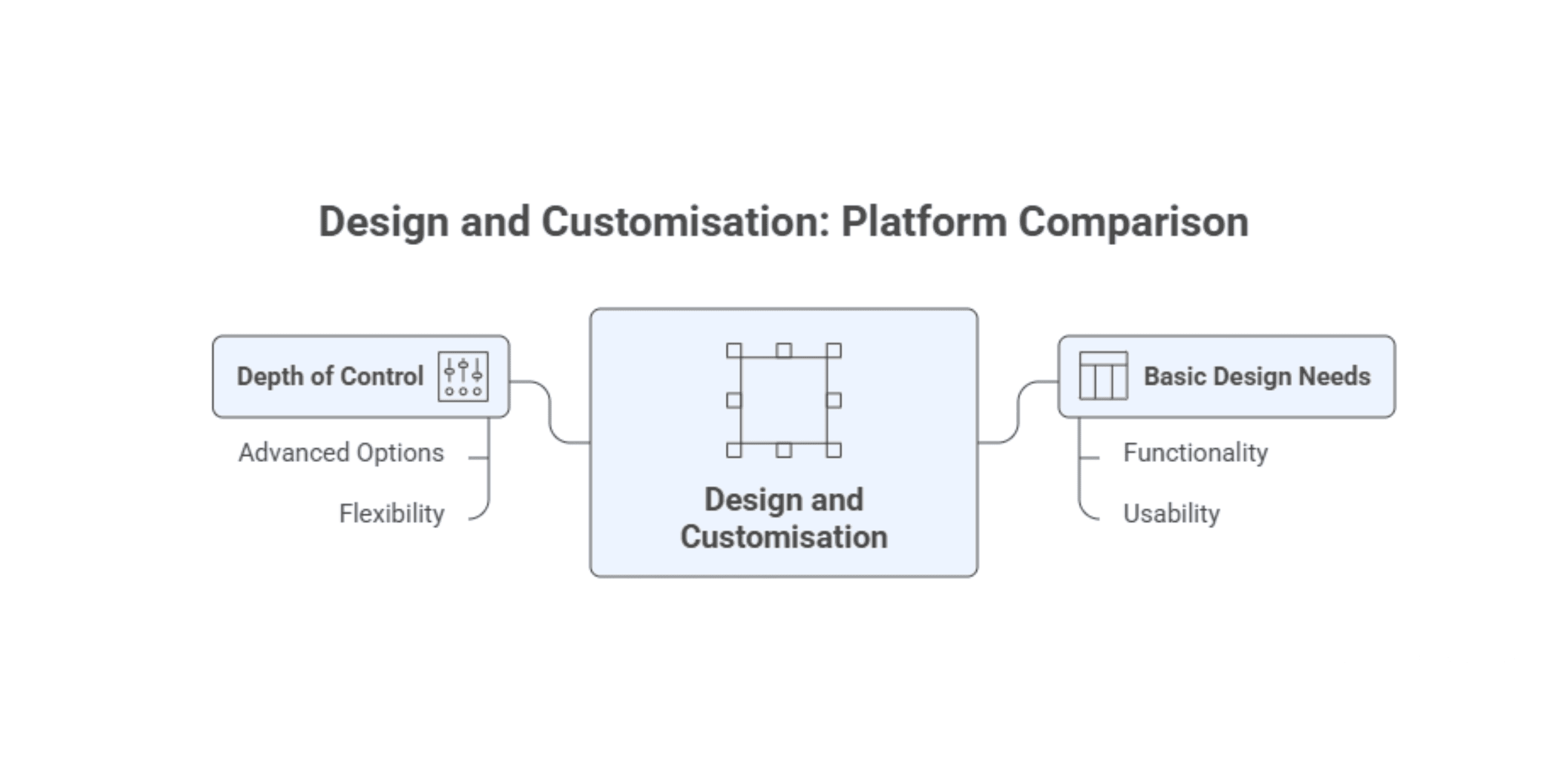
For basic design needs, both platforms deliver well. But the depth of control available to you is where things start to diverge noticeably.
Wix
Offers over 900 templates and a visual editor. It’s simple to create a polished site, but switching templates later is impossible, and deeper customisation options are limited to what Wix allows.
WordPress
Boasts thousands of free and premium themes. With page builders like Elementor or the Gutenberg editor, you can customise layouts extensively. Themes can be switched anytime without losing content, and you can add custom CSS or hire developers for advanced design work.
For businesses with specific branding requirements or those working with a WordPress development agency, the flexibility WordPress offers is in a different league entirely.
Blogging
Blogging is worth examining separately because the gap between the two platforms here is more significant than many people expect.
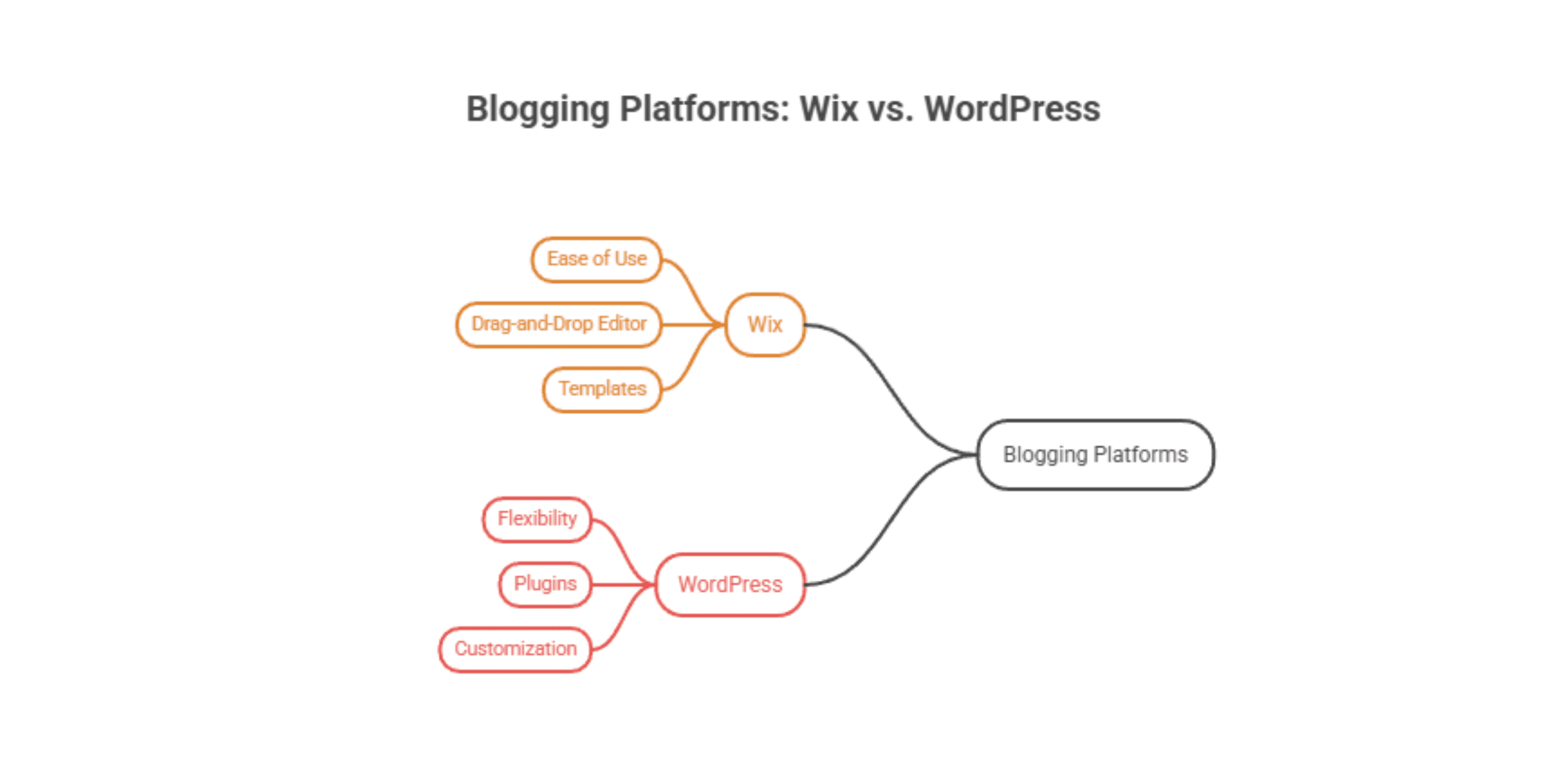
Wix
Comes with built-in blogging functionality that covers the basics of writing posts, organising by category, adding images and video. It works well for businesses that publish content occasionally, but it isn’t built for serious, high-volume content strategies.
WordPress
Was originally built as a blogging platform and remains the gold standard for content publishing. Advanced formatting, custom post types, scheduled publishing, author management, category and tag structures, and complete control over URLs and metadata, all of this is standard. If content marketing is central to your growth plan, WordPress is built for exactly that.
Landing Pages
Landing pages are often overlooked in platform comparisons, but for businesses running paid campaigns or promotions, they matter enormously.
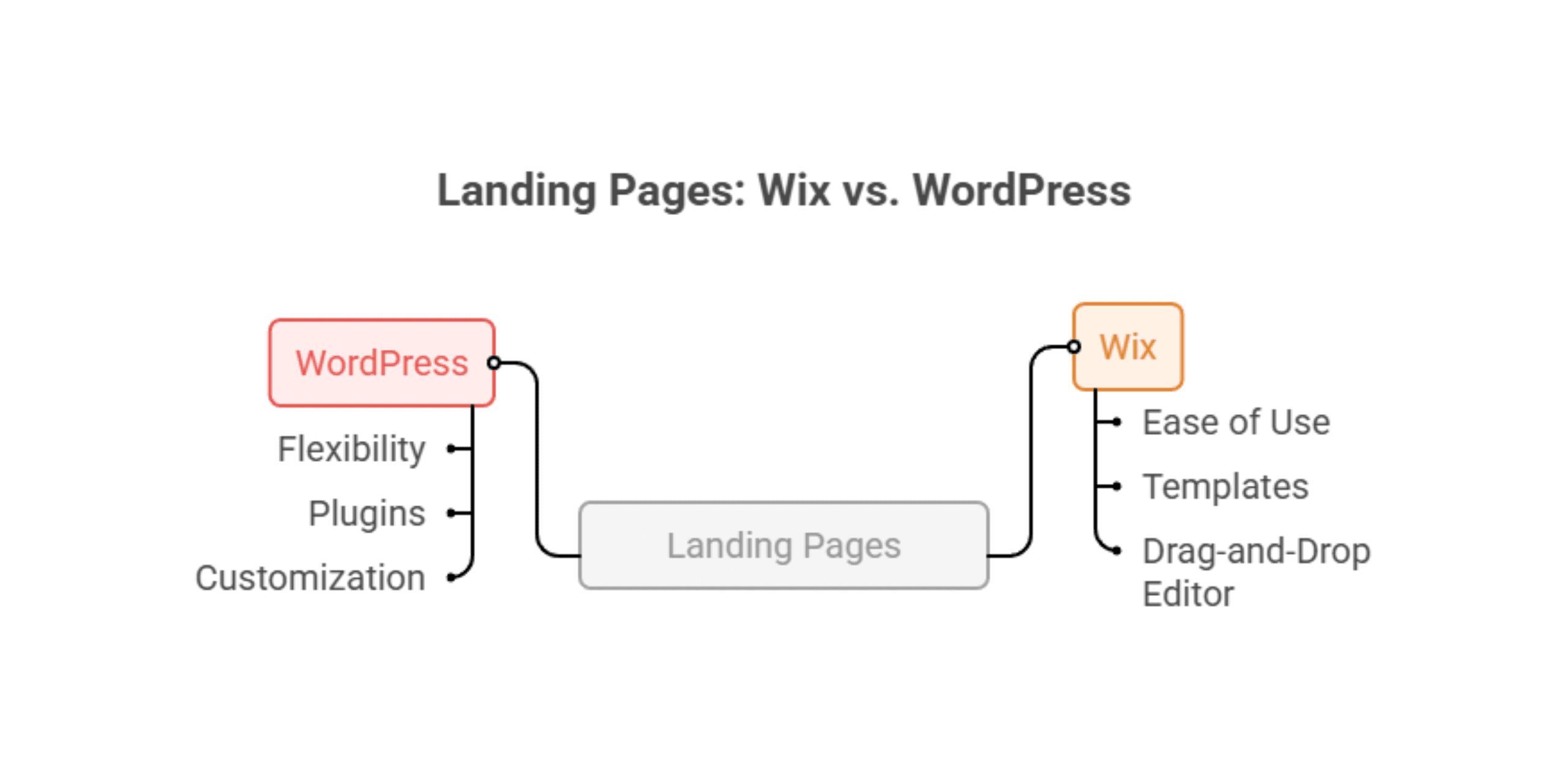
Wix
The drag-and-drop editor makes it straightforward to put together a landing page, and the results can look clean and professional. However, customisation is constrained by the platform, and advanced conversion elements like dynamic content, A/B testing, or deep CRM integrations require workarounds or third-party apps that may not integrate seamlessly.
WordPress
With dedicated page builder plugins like Elementor, Divi, or Beaver Builder, you can create fully custom landing pages with precise control over every element. A/B testing tools, heatmap integrations, and CRM connections are all readily available through plugins, giving your pages the best possible foundation for conversion optimisation. Paired with a UX & UI Design Agency, the results can be genuinely high-performing.
SEO and Content Capabilities
Looking at the pros and cons of Wix vs WordPress from an SEO perspective, the picture is fairly clear. This is where the WordPress vs Wix comparison gets particularly important for any business relying on organic search to drive growth.
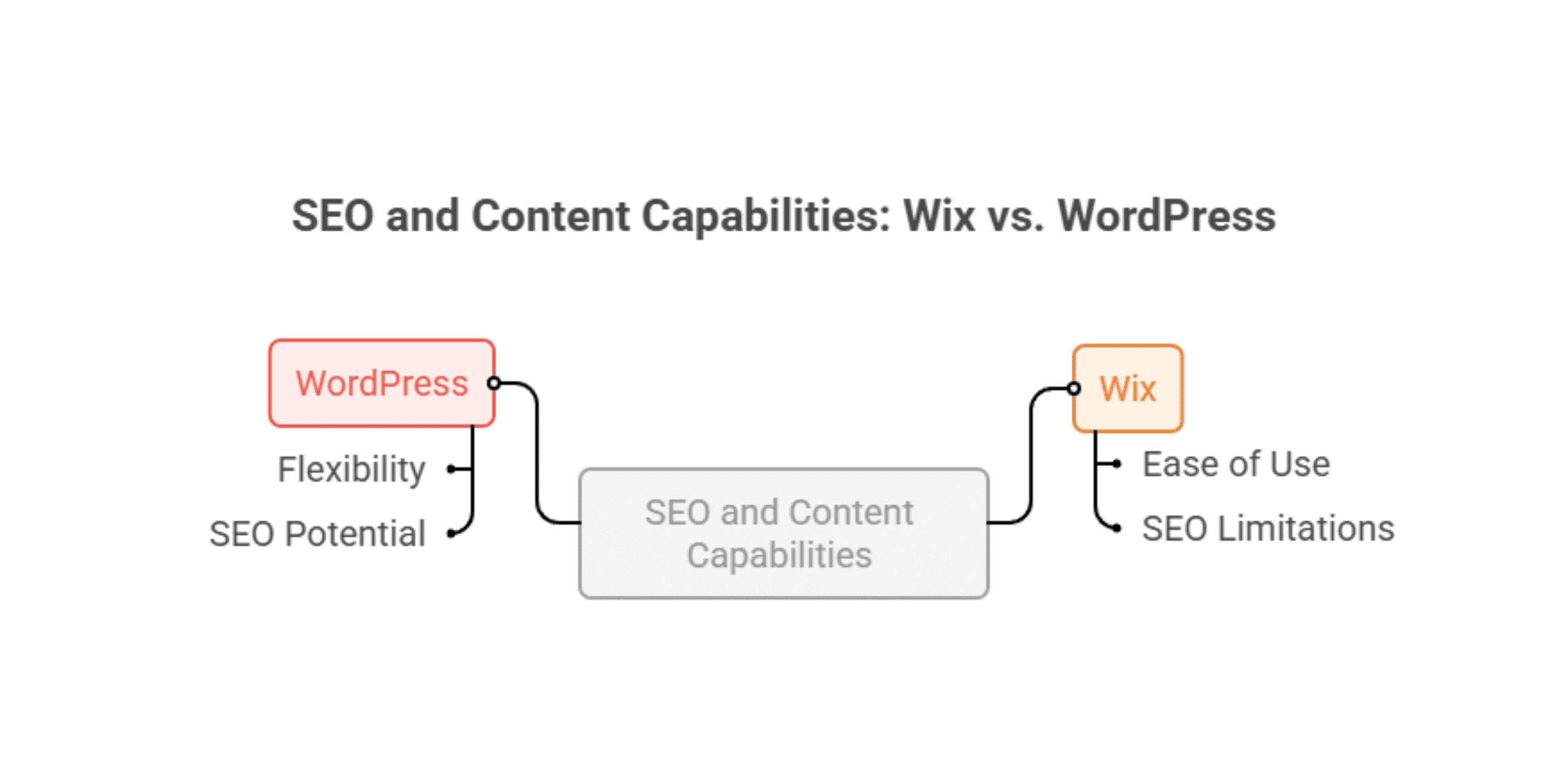
Wix
Includes built-in tools like Wix SEO Wiz, which guides beginners through the basics. It’s sufficient for straightforward websites, but customising technical SEO settings like structured data, redirects, or canonical tags is limited by what the platform allows.
WordPress
Offers deeper SEO control through plugins like Yoast SEO or Rank Math. You can optimise every page, manage advanced metadata, generate XML sitemaps, and implement schema markup. Combined with performance optimisation plugins, WordPress is widely regarded as the best website platform for SEO and long-term content strategies.
If Wix vs WordPress for seo is a deciding factor for your business, and for most, it should be WordPress, which gives you the tools to compete seriously in search.
Plugins, Apps, and Functionality
The ability to extend your site as your business grows is something worth thinking about long before you actually need it.

Wix
Supports around 800 apps through its marketplace, covering everyday requirements like contact forms, booking tools, and live chat. Solid for most small business needs, but the ecosystem can feel restrictive once requirements become more complex.
WordPress
Offers over 60,000 plugins covering everything from CRM integrations and multilingual support to advanced eCommerce and membership systems. Whatever your business needs to do, there’s almost certainly a solution, and if not, it can be built.
Once you’ve hit the limits of Wix’s app market, your options are genuinely limited. With WordPress, there’s almost always somewhere to go.
AI Capabilities
Wix comes with built-in AI tools that can put together a basic website and help you draft content quickly. WordPress doesn’t include AI as part of the core system, but you can add whichever AI tools suit your needs through plugins, giving you more freedom overall.

Wix
Has AI directly in the platform through its ADI (Artificial Design Intelligence) tool, which can generate an entire site based on a few simple inputs. It also includes AI writing assistance within the content editor, making it one of the more accessible platforms for non-technical users who want AI-assisted content creation from day one.
WordPress
Doesn’t include AI natively, but through its plugin ecosystem, you can integrate virtually any AI tool available, from content generation and image optimisation to chatbots, personalisation engines, and predictive search. The difference is that WordPress gives you the freedom to choose which AI tools work best for your business, rather than being limited to what the platform provides.
Multilingual and Regional Support
Wix lets you create translated versions of your pages, which works well for straightforward websites. WordPress gives you much greater control over language settings, regional targeting and SEO, which is important if you’re trading in more than one country.
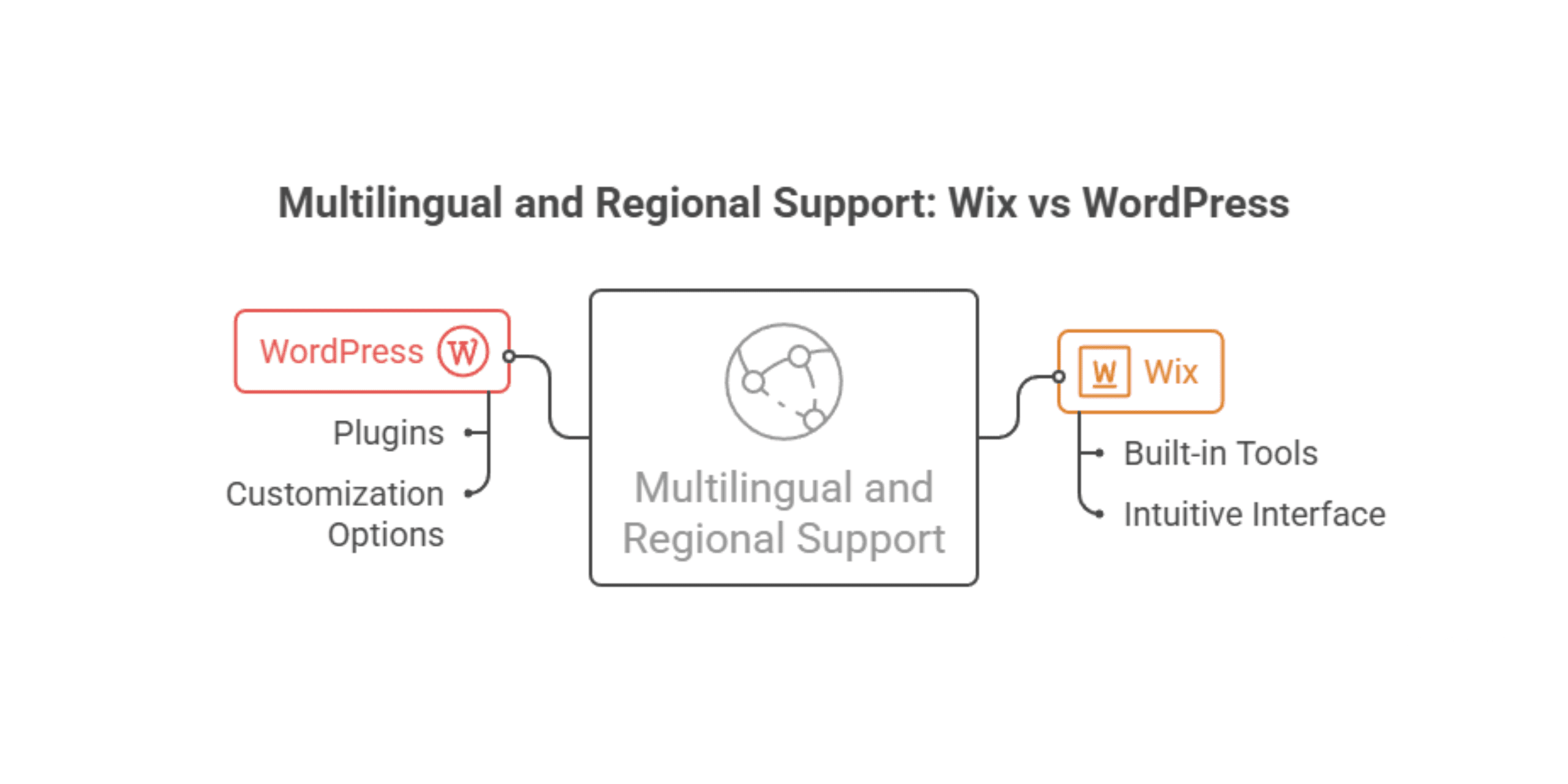
Wix
Offers basic multilingual functionality through its built-in Wix Multilingual feature, allowing you to create translated versions of your pages. It works reasonably well for straightforward sites, but the level of control over hreflang tags, URL structures, and regional SEO settings is limited compared to what’s available elsewhere.
WordPress
Handles multilingual sites with considerably more sophistication through plugins like WPML and Polylang. You can manage separate language versions of every page, control hreflang implementation precisely, customise URL structures by language or region, and ensure your international SEO is technically sound. For businesses targeting multiple markets, this level of control makes a genuine commercial difference.
APIs and Third-Party Integrations
Wix allows integrations, but they operate within its own platform rules. WordPress is open-source, meaning you can connect it to almost any third-party system or build custom integrations without being restricted.

Wix
Provides API access through Wix’s own developer tools, but this operates within Wix’s closed ecosystem. Custom integrations are possible but are limited by what Wix permits, which can become a real constraint for businesses with more complex tech stacks.
WordPress
Being open-source, it places no restrictions on API usage or third-party integrations. You can connect WordPress to virtually any external system, build custom API endpoints, and integrate with enterprise-level platforms without limitation. For businesses working with an eCommerce development agency on a complex build, this openness is often non-negotiable.
Which Platform Is Right for Your Business?
The honest answer depends on where your business is now and where it’s heading.
Wix makes excellent sense for small businesses, freelancers, and creatives who need a professional site up quickly without the technical overhead. If your requirements are straightforward and unlikely to change dramatically, Wix delivers real value for the effort involved.
WordPress is a stronger long-term investment for businesses where the website is a serious commercial asset. If SEO, eCommerce, content marketing, multilingual support, or API integrations are part of your strategy or if you simply want full ownership and room to grow without hitting walls, WordPress is the more capable platform by a clear margin.
For businesses looking to build or migrate to a high-performing WordPress site, working with an experienced eCommerce development agency ensures the technical foundation is solid from day one. And for ongoing visibility and growth, having Digital Marketing support behind your platform choice makes a measurable difference to the results you actually see.
The difference between WordPress and Wix ultimately comes down to control versus convenience. Both are legitimate choices it just depends on which one your business actually needs.

 Kiwi Commerce